From figma to code
My journey commenced with an extensive review of documentation, essential for accurately translating assigned designs into functional components. I approached each task with the aspiration of executing it flawlessly.
Over the ten-week internship period, my engagement persisted beyond the official duration, as I continued to collaborate with the team. Remarkably, my skill set expanded far beyond my initial projections, igniting a keen interest in the subsequent developmental phases of the product.
Technical Skills
- React Next JS
- Web colors
- Responsive Design
- CSS / Tailwind
- Grid
- Flexbox
- JS
- HTML
- GIT
Soft Skills
- Common sense
- Analytical
- Structured
- Patience
- Team work
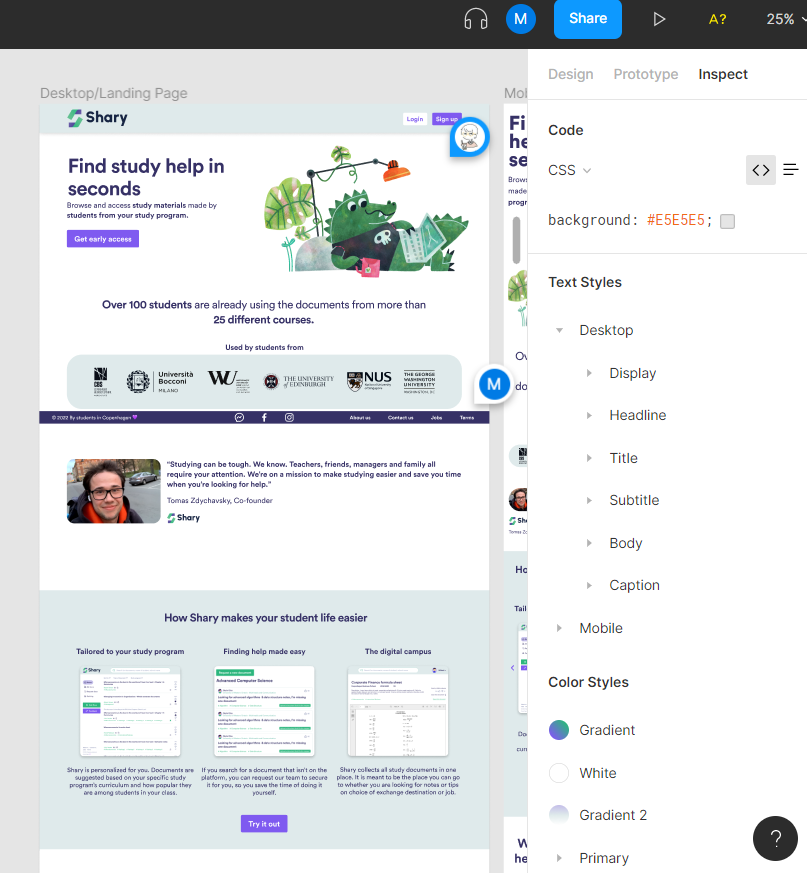
Upon receiving the Figma file, my initial approach involves studying the design’s essence to facilitate its translation into code. The Figma file itself serves as a comprehensive resource, offering insights into the required CSS styles. However, discrepancies between Figma’s font rendering and how fonts operate in actual code often necessitate adjustments.
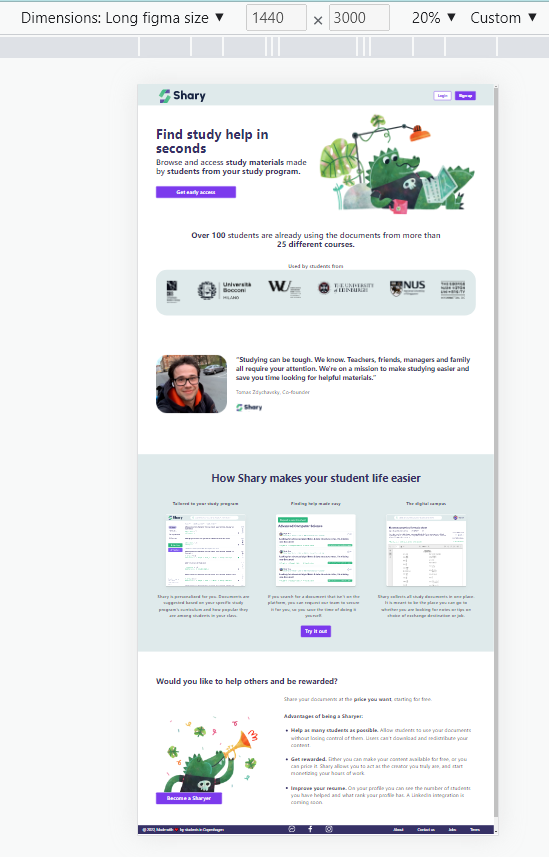
Initially working solely with a desktop version, the absence of a Figma example for the responsive design posed challenges. I encountered the need to adapt certain elements like font sizes, image dimensions, and their placements to align with Tailwind’s default styles and accommodate various screen sizes on desktop and tablet devices.
While Tailwind customization remained unexplored due to the project phase, I did implement breakpoints for larger screens, considering their prevalence in contemporary usage.
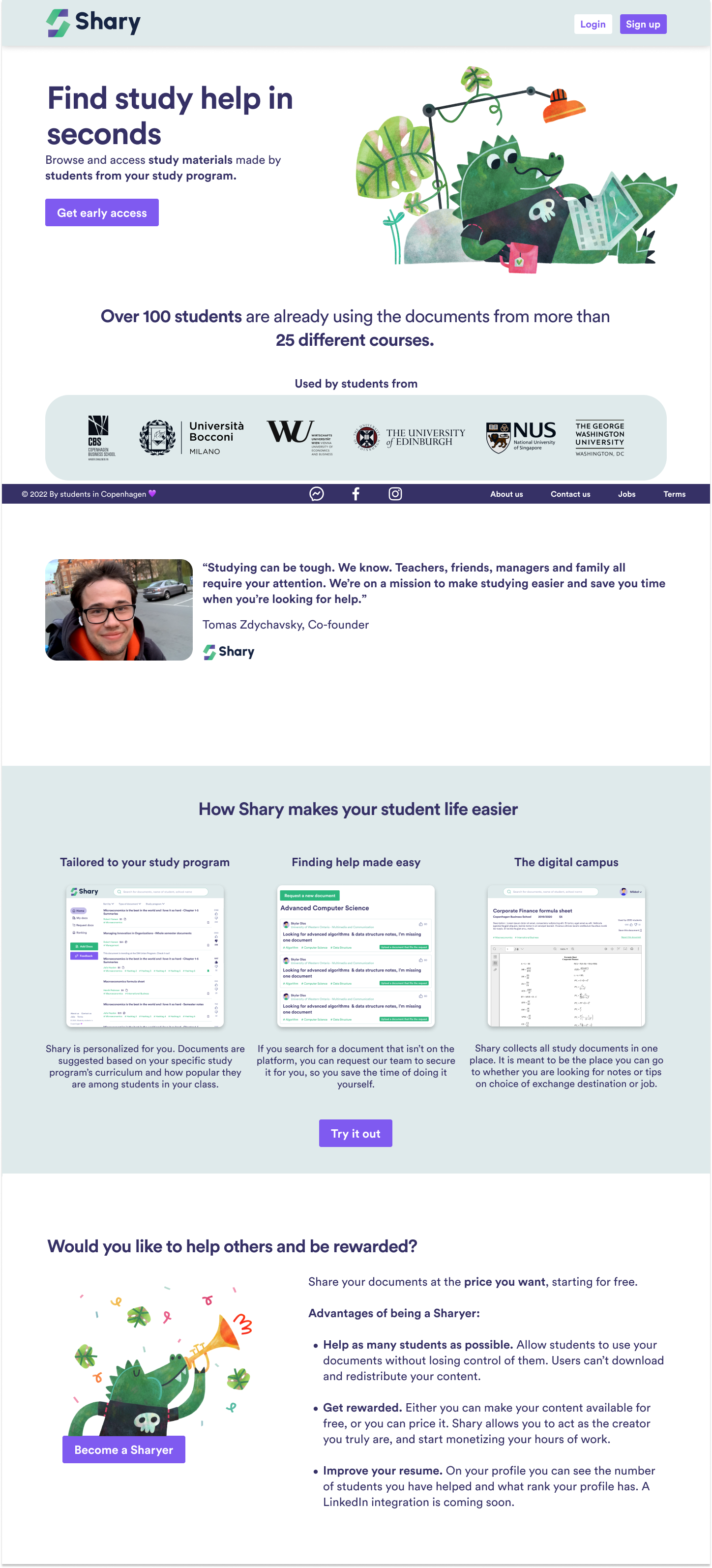
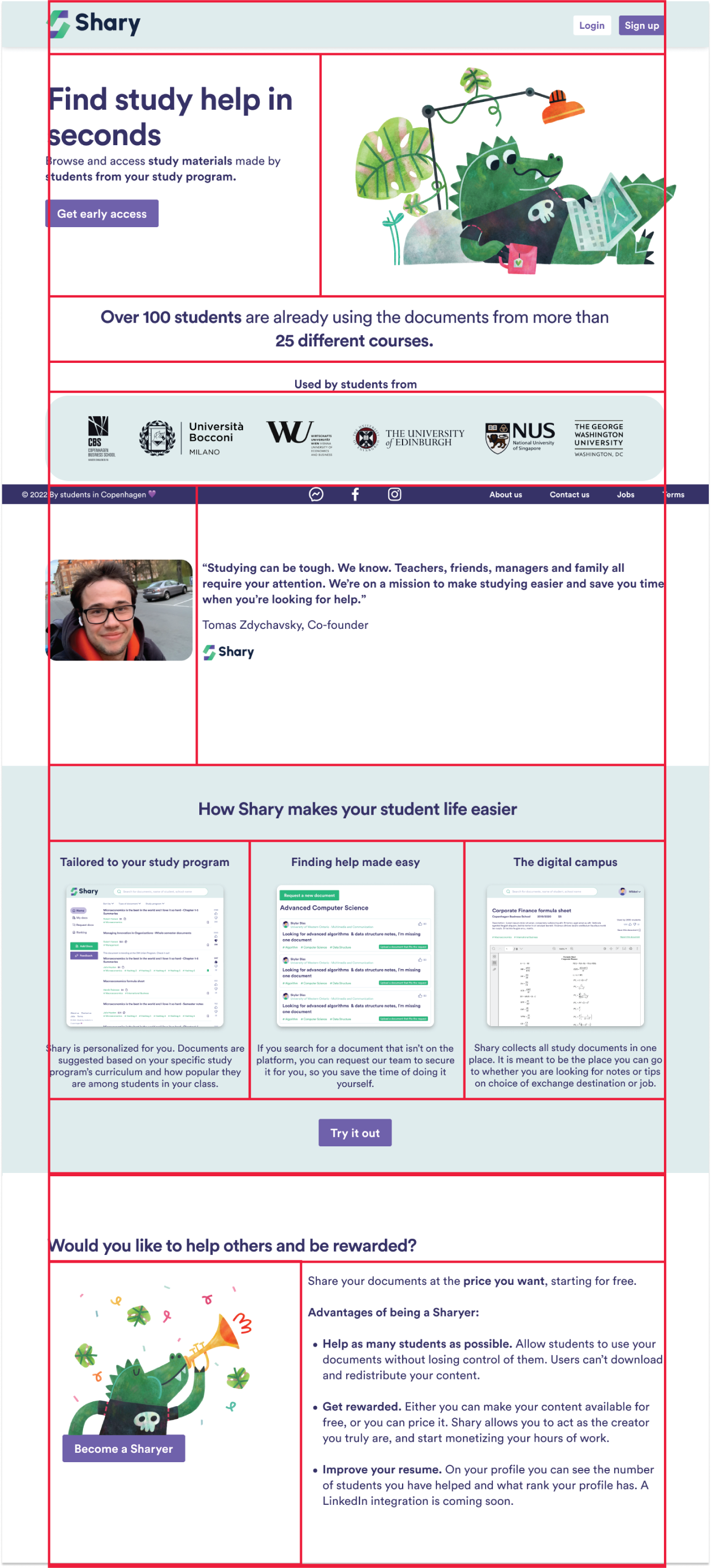
Segmenting the design into distinct blocks, I began incorporating images and text. Despite the designer’s structural containers, not all solutions seamlessly translated into the coded prototype. Yet, aligning elements based on spacing, margins, and padding helped maintain visual consistency.
Adhering to frontend considerations, I ensured that the code preserved the design’s integrity, even in the absence of direct Figma references for responsiveness and layout adaptations.
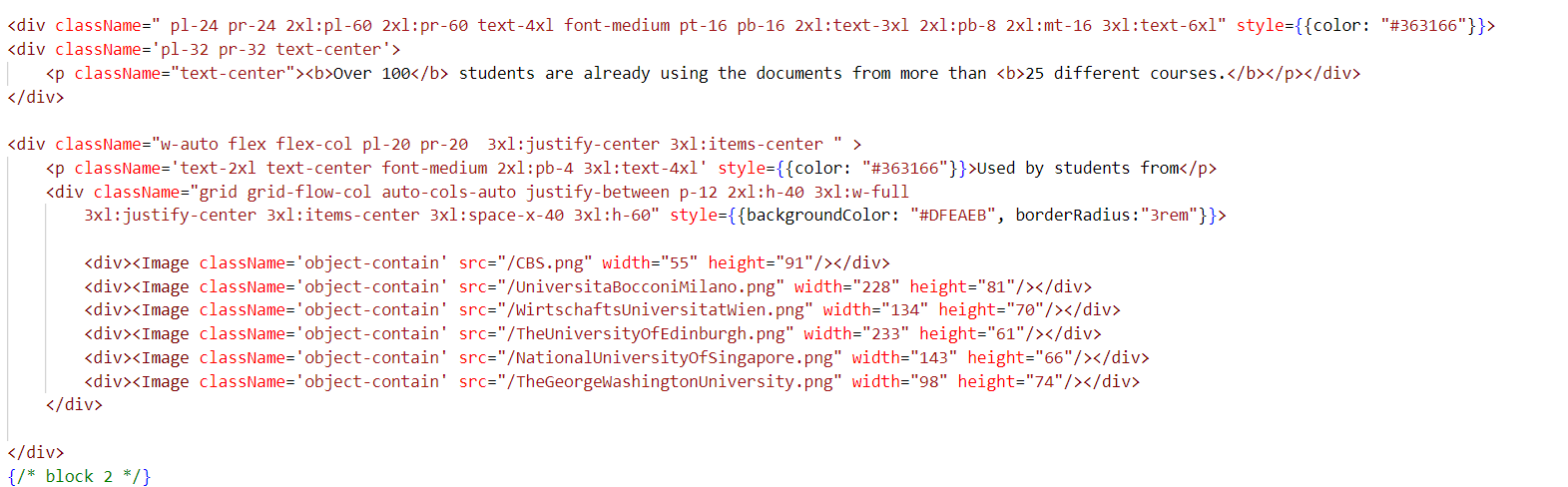
Code Example Next JS React / Tailwind
Working with React and Next.js as a frontend developer while transforming a Figma design into actual code can be an incredibly rewarding experience. It’s like bringing an artist’s vision to life, where every line of code contributes to the realization of a beautiful and functional interface.
Initially, diving into the Figma file is like opening a treasure trove of ideas and creativity. You’re met with meticulously crafted designs, from the layout of components to the color schemes and typography choices. Understanding the design spirit is crucial; it’s not just about replicating what’s on the screen but also comprehending the user experience intended by the designer.
React and Next.js offer a fantastic ecosystem for this task. React’s component-based architecture allows you to break down the design into reusable and manageable components. These could be anything from simple buttons and input fields to complex card layouts and navigation bars.
Next.js, with its server-side rendering and routing capabilities, enhances the development experience. You get the chance to optimize performance while ensuring seamless navigation between different sections of the application.
Translating the Figma design into code requires attention to detail. You’re not merely copying colors and shapes; you’re infusing functionality and responsiveness into each element. This means ensuring that buttons respond to clicks, forms accept user input correctly, and elements adapt gracefully to different screen sizes.
Throughout this process, collaboration becomes essential. You might need to work closely with UI/UX designers, discussing nuances in the design and finding pragmatic solutions that balance aesthetics with feasibility.
As you write lines of code, there’s a sense of accomplishment with each successfully implemented component. It’s like solving a puzzle where each piece fits perfectly, contributing to the larger picture of the application.
Debugging and refining are integral parts of this journey. Not every design element can be translated exactly as it appears in Figma due to technical constraints or browser compatibility issues. Hence, you may need to iterate, test, and refine your code to ensure that the end product closely aligns with the original design spirit.
Ultimately, when the project comes together, and you see the React and Next.js components mirroring the Figma design, it’s a moment of pride and satisfaction. The application isn’t just a collection of code; it’s a manifestation of collaboration, creativity, and dedication to delivering a seamless user experience.